
WordPress Newsletter Plugin
 The Fast Email Sender team has released an amazing free WordPress newsletter plugin with customizable fields textboxes or radioboxes, double opt-in option, free newsletter templates, custom css layout and also a great newsletter software with administration interface where you can manage and export your subscribers, create and send newsletters using locally or SMTP delivery method. WordPress Newsletter Plugin 1.0 is very friendly and is 100% compatible with Fast Email Sender software. With just few clicks you export your subcribers list in .CSV file and ready to import it in email recipient groups.
WordPress newsletter plugin details
- Plugin name: WordPress Newsletter Plugin
- Price: FREE
- Compatible with WordPress 2.0.0 or higher
- Current version: 2.0
- File size: 53KB Download
WordPress newsletter plugin features and settings
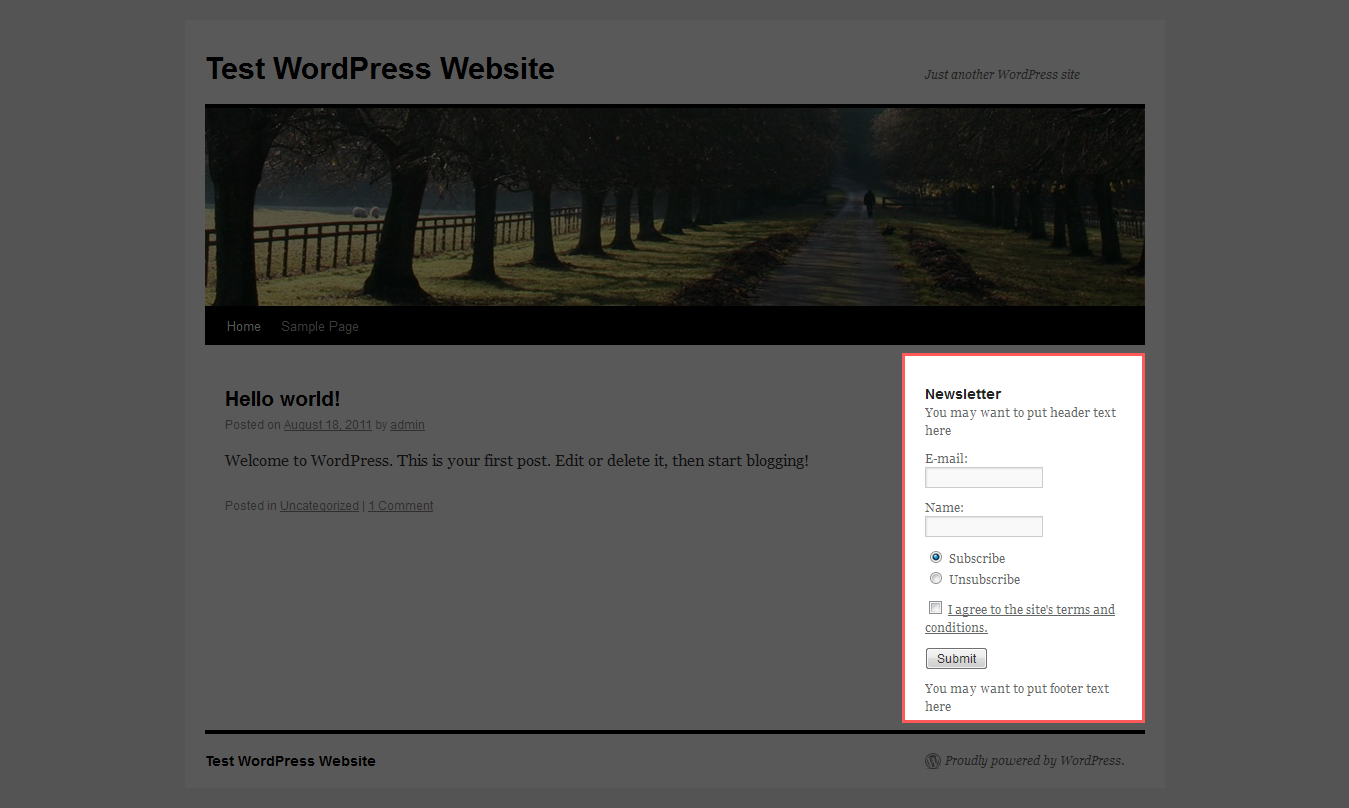
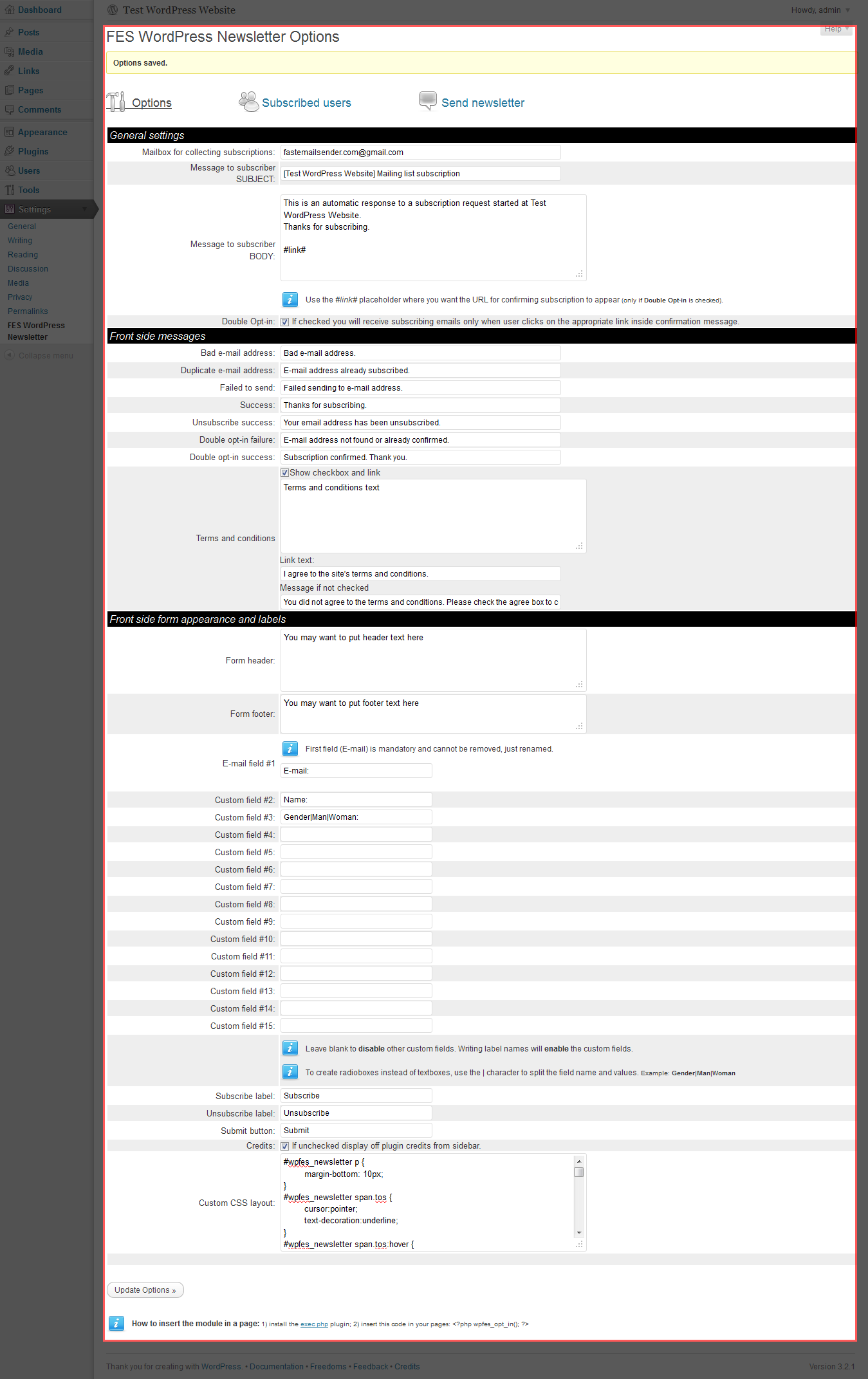
- Custom textboxes and/or radioboxes fields
- Custom labels
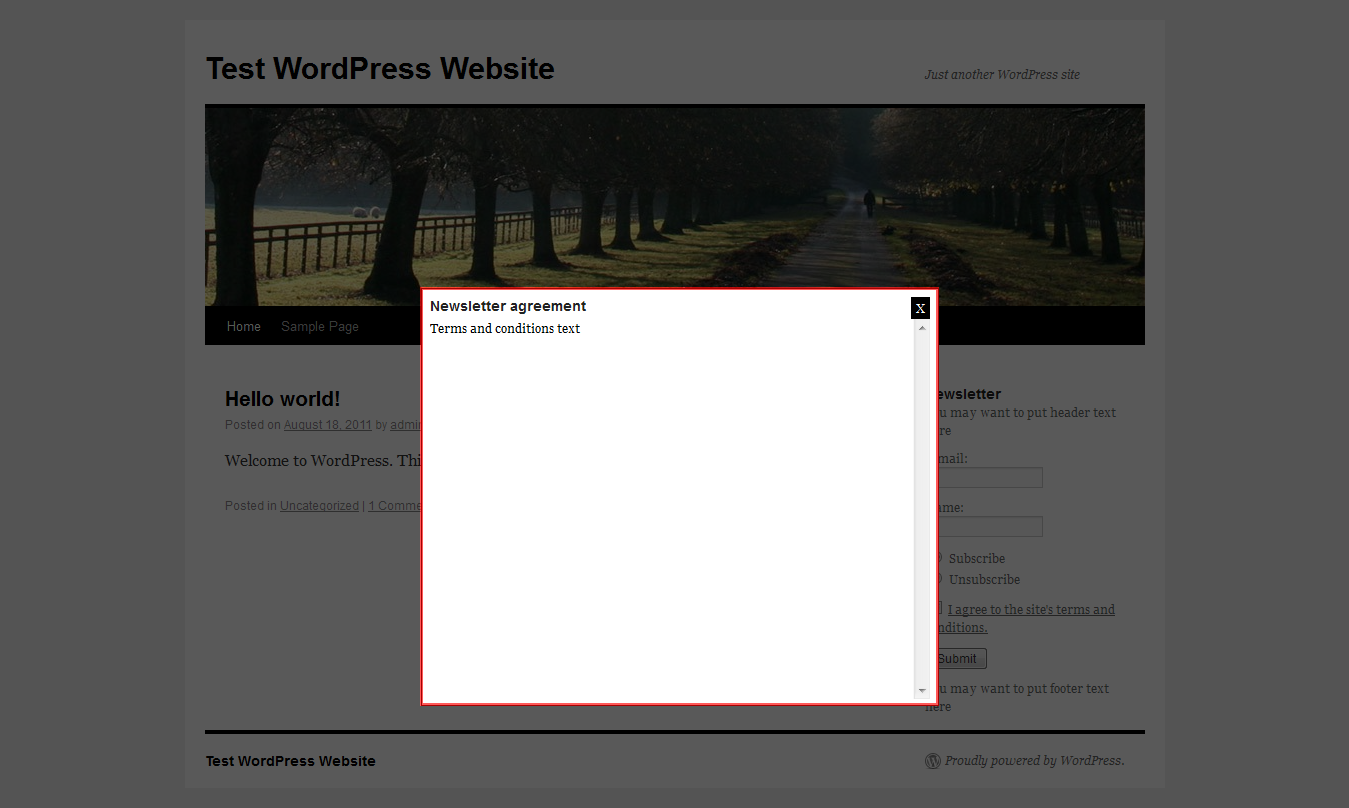
- Manage agreement checkbox and content of terms and condition for subscription (optional)
- Subscribe / unsubscribe option
- Email notification on subscribe
- Double opt-in subscription (optional)
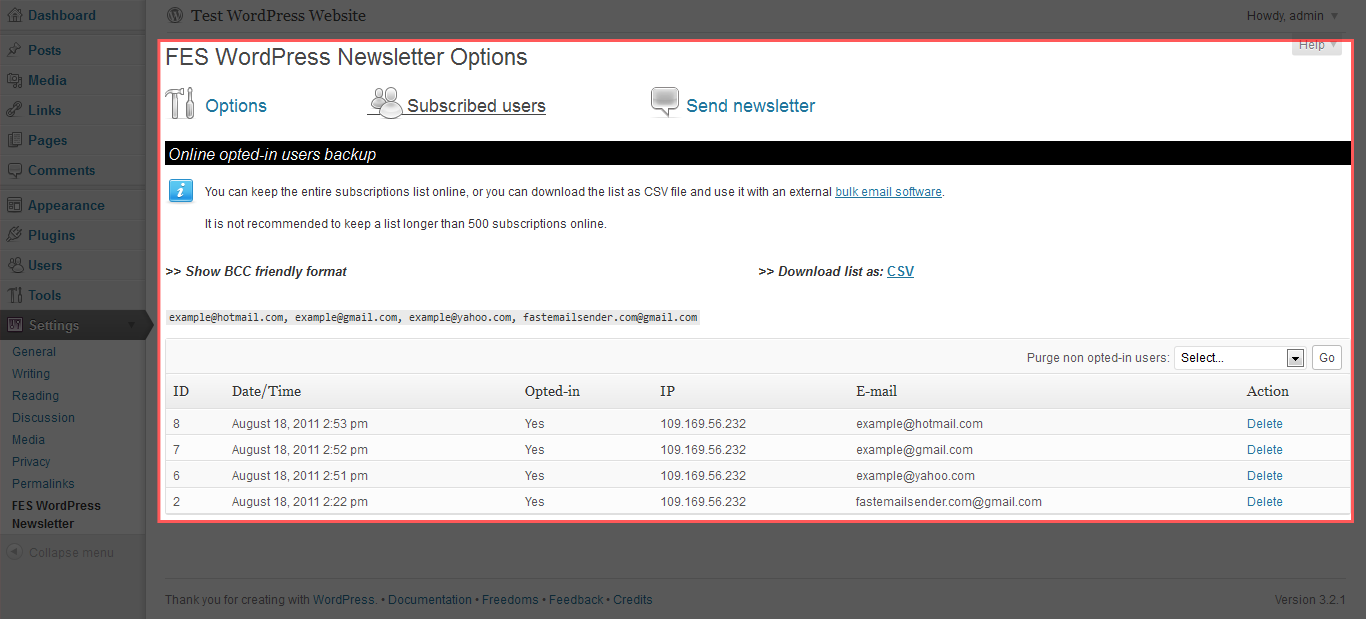
- Export subscribers in .CSV files
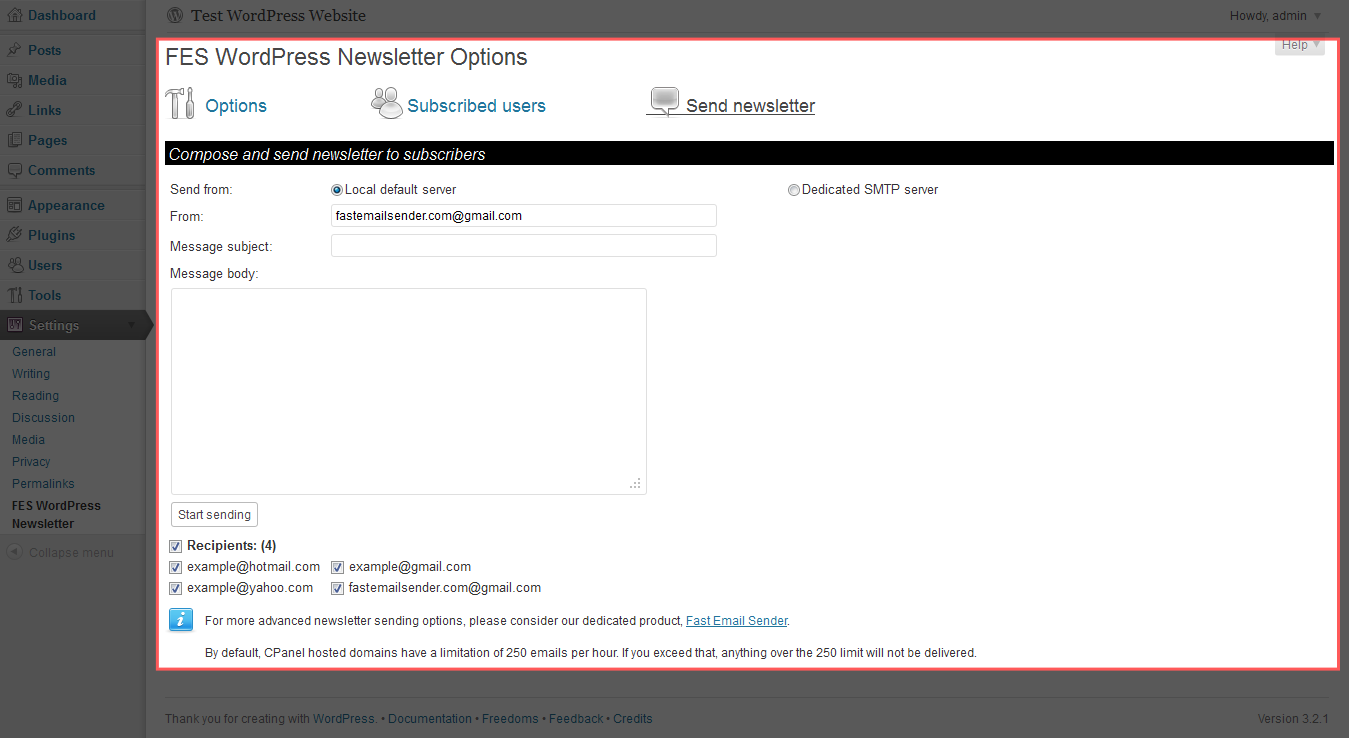
- Send newsletters in PlainText / HTML format / TinyMCE editor with LOCAL or SMTP delivery method
WordPress newsletter plugin screenshots
| Newsletter form |
Agreement option |
Plugin options | Subscribed users | Send newsletter |
 |
 |
 |
 |
 |
How to install
- Install automatically through the 'Plugins > Add New' in WordPress Admin, or extract zip file and upload the `wordpress-newsletter-plugin` folder to the `/wp-content/plugins/` directory.
- Activate the plugin through the 'Plugins' menu in WordPress.
How to use
- Change settings and manage plugin from 'Settings > Newsletter Plugin'.
- Drag to your sidebar the Newsletter Plugin from 'Appearance > Widgets'.
- Insert shortcode `[wpfes_opt_in_form]` in the content of any pages or posts.
Note: Do not use method 2 and 3 of display simultaneous.
6 comments posted:
AgileAxis: In the current version is not available any link variable for unsubscribe to include in your newsletters body. This feature will be available in the next version of Newsletter Plugin. For the moment users can unsubscribe using the same newsletter form. There is two options Subscribe and Unsubscribe. Thank you for your feedback.
Which will be direct unsubscribe link when we install on a WordPress blog. This way, we shall be able to include such a link below each newsletter. Thanks in advance.
Craig: This is not possible in the current version of the plugin. In the next release will be available an import option from external file.
Hi. Just wondering if there is a way to import a list of my subscribers emails I have already from another plugin? Thanks. Craig.
Brady: You just leave the #link# in the setup of plugin. Also you can put it anywhere in your email template message from the admin interface plugin. The only rule is to use it like this #link#.
Could you tell me how to set up the link for the double opt in? Do I have to set up a separate web page and if so what needs to be on it? Or in the setup you just leave the #link# the way it is?